Replace Only the Saxophone Player in Tiny Desk AI
Last updated:
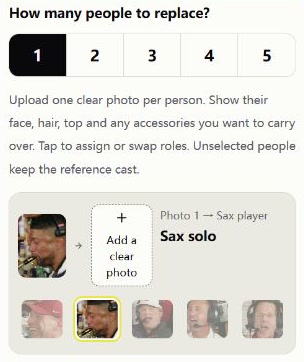
Choose one person in the creator and assign Photo 1 to Sax solo. Your portrait appears from 11.63 to 15 seconds. The opening and lead close-up keep their reference cast.
Assign one portrait to sax
Open the creator and choose 1 person. Under Photo 1, select the Sax solo thumbnail. Check that it has a yellow outline and the row now shows Sax player.
Use a solo portrait with a clear, unobstructed face. Follow the prompts to sign in and upload it, then check the role before creating. If you have a group photo, crop the person you want to cast first.
When does the sax player appear?
From 0 to 5.33 seconds, the keyboard player and two backing singers open the clip. From 5.33 to 11.63 seconds, it cuts to the lead in the red cap. Both shots keep the reference roles.
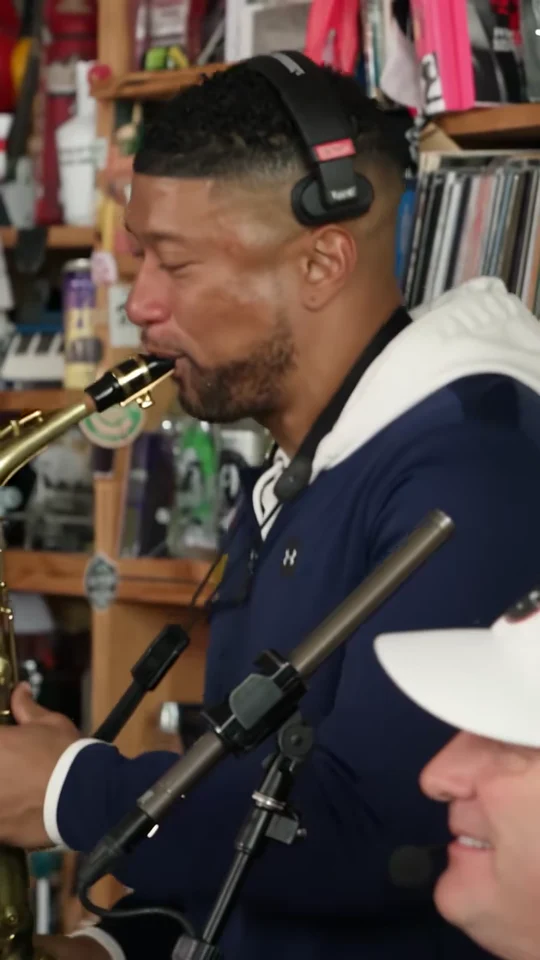
The sax close-up runs from 11.63 to 15 seconds. Assign Photo 1 to the sax player on the left, where the mouthpiece meets the face. The white-capped keyboard player in the lower right keeps the reference role.
What to check in the finished video
Play from the start and check that the opening keyboard player and red-cap lead still match the reference. Pause in the finale to confirm that your portrait appears on the sax player and the keyboard player is still in the lower right.
Listen through the clip as well. The result uses the creator’s reference soundtrack. To replace the lead too, follow the two-person guide and assign one portrait to each role.