Tiny Desk AI Wedding Party Video
Last updated:
Put the couple and their wedding party in the band. Use one portrait per person for a 15-second clip to share in the wedding chat or play before a toast.
| 2 people | Give one partner the lead and the other the sax solo. |
|---|---|
| 3 people | Add the best man or a bridesmaid on front keys. |
| 5 people | Add two more friends on left and right backing vocals. |
Where each person appears
The wedding party opens the clip, then each partner gets a close-up. With two or three portraits, the reference performers fill the slots you leave open.

Leo, the groom
Lead vocals · Close-up 5.33–11.63 s

Maya, the bride
Sax · Closing solo 11.63–15 s
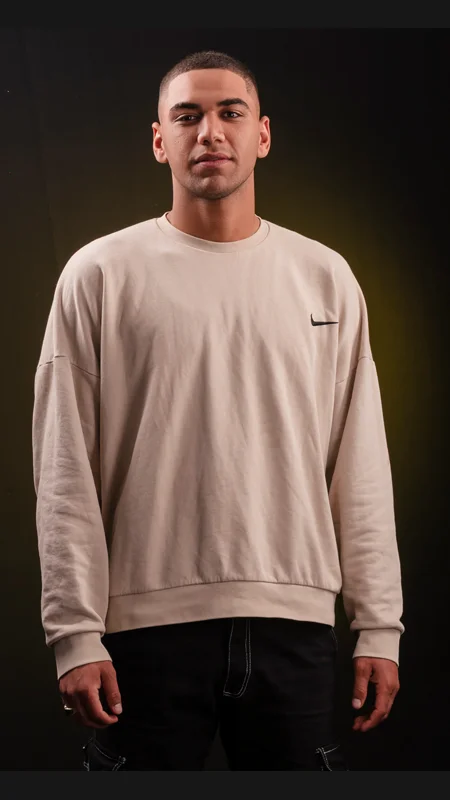
Alex, the best man
Front keys · Opening 0–5.33 s. Returns at lower right 11.63–15 s.
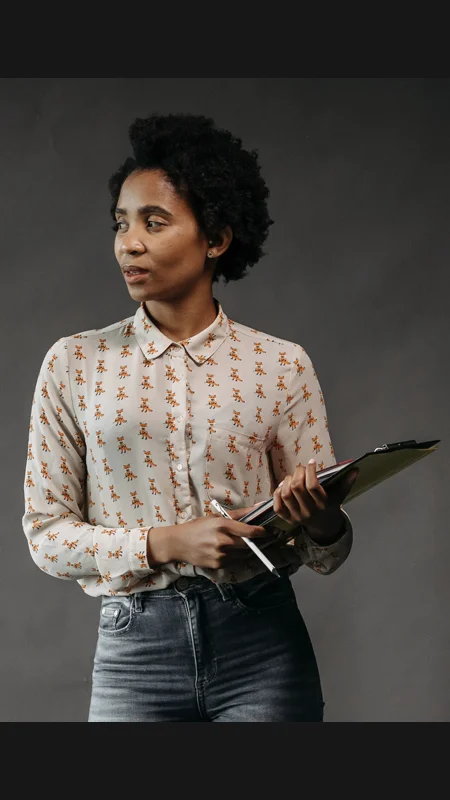
Nora, a bridesmaid
Back left · Opening 0–5.33 s
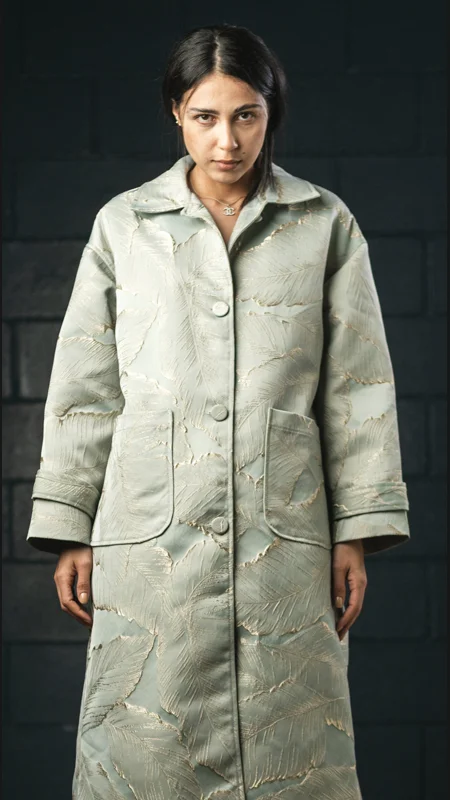
Jade, a bridesmaid
Back right · Opening 0–5.33 s
A message for the wedding chat
Add the couple’s names and send this with the clip.
Wedding chat caption
Tonight’s band is playing for [Name 1] and [Name 2]! Here’s to many more nights of laughing and dancing together. Happy wedding day!
A line to say before the toast
Say this line, play the video, then raise a glass.
Wedding toast opener
[Name 1] and [Name 2], we put together a little band to celebrate you. This one’s for both of you.
Start with a wedding group photo
Use a clear solo portrait of each consenting adult. If you’re working from a group photo, crop a head-and-shoulders portrait for each person. Check that veils, bouquets and other guests leave eyes and mouths visible.
To put the second partner in the opening, give them front keys instead of sax. They’ll also appear at lower right in the finale.
Share the MP4 or play it at the reception
Download the original MP4 from My videos. Watch it all the way through on your phone before sending it. For a reception, test the file on the venue’s screen and speakers and choose the setting that fits the whole vertical frame.
To add the couple’s names, place them outside the performance frame as in the example. For different music, start with the silent MP4 and add your track in an editor.